Just Push Play – Vital Omegas


How to embed videos into Powerpoint
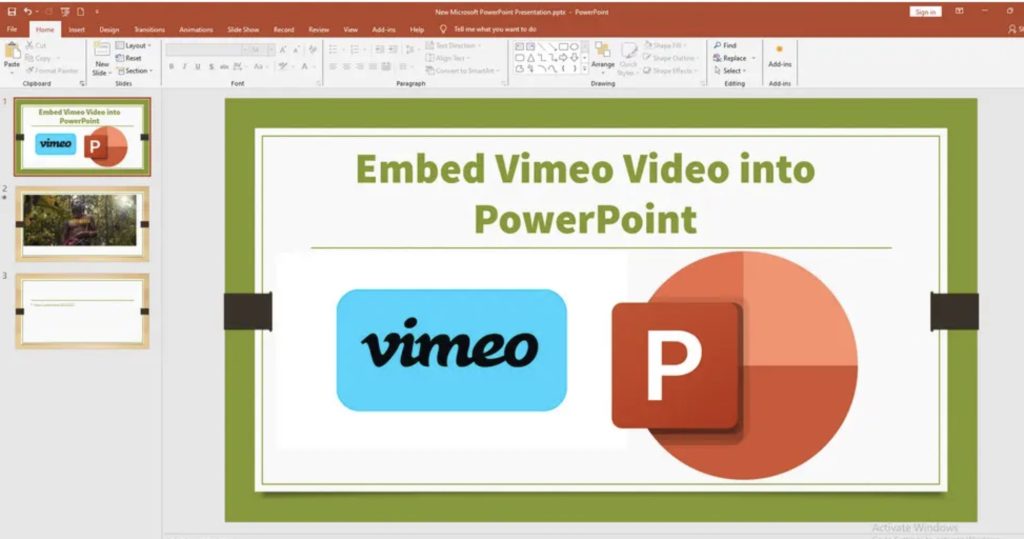
- Copy the URL of the video you want to use:
https://vimeo.com/xxxxxxxxxx - In PowerPoint, select the slide where you want to add the video.
- Go to the “Insert” tab and click “Video” followed by “Online Video.”
- Paste the copied URL in the dialog box.
- Click “Insert” to confirm.